Desktop Text Editor Java
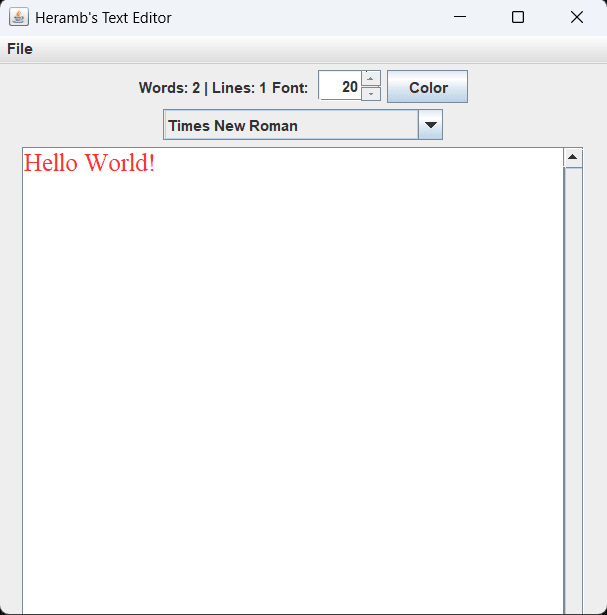
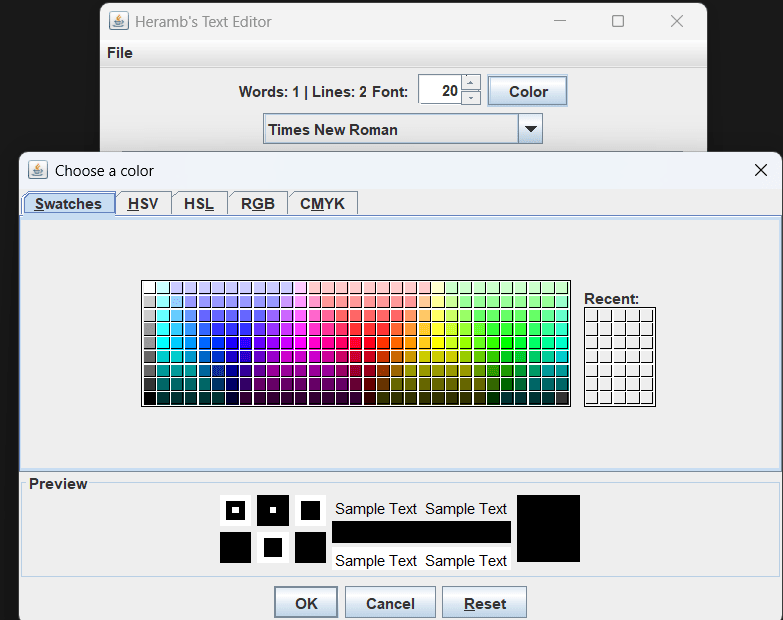
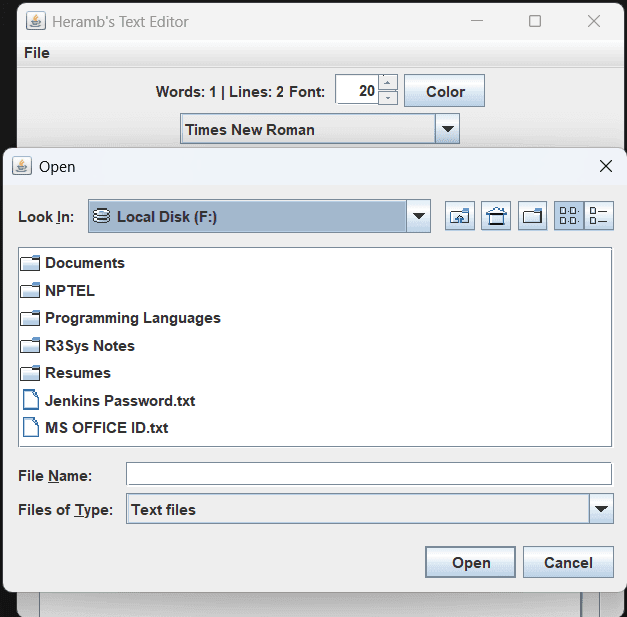
A lightweight desktop text editor built with Java Swing that supports file editing, font customization, color selection, and real-time document statistics while exploring Swing's event-driven architecture, EDT threading model, and Java Platform Module System concepts. :contentReference[oaicite:0]{index=0}
Screenshots
Key Metrics
TXT
Desktop GUI Application
JDK Only
JPMS
Word Count · Line Count
Windows · macOS
Overview
Desktop Text Editor Java is a Swing-based text editing application created to explore desktop GUI development, event-driven programming, Java I/O, and the Event Dispatch Thread architecture. The application provides text editing, font customization, color selection, and live document statistics while maintaining zero external dependencies. :contentReference[oaicite:1]{index=1}
Problem
Many Java projects focus primarily on console applications and overlook GUI development concepts such as event-driven architecture, UI thread safety, document models, and desktop software design. Building a text editor provides practical exposure to these areas.
Solution
Developed a desktop text editor using Java Swing and AWT that supports text file editing, customizable fonts and colors, live word and line counting, safe file I/O operations, and modular Java architecture through JPMS.
Architecture
Single-process desktop application built around Swing's event-driven model. User actions are processed through the AWT Event Queue and Event Dispatch Thread, while JTextArea and PlainDocument manage document storage. File I/O, font management, color customization, and status updates are coordinated through Swing event listeners and UI components. :contentReference[oaicite:2]{index=2}
Challenges
- Understanding Swing's Event Dispatch Thread requirements.
- Implementing real-time document statistics.
- Managing file I/O safely using try-with-resources.
- Working with JPMS module declarations.
- Handling dynamic font enumeration from the operating system.
- Designing responsive UI interactions using event listeners.
- Understanding gap-buffer-based text storage concepts.
Lessons Learned
- Swing event-driven architecture.
- Event Dispatch Thread concurrency rules.
- Observer pattern implementation through listeners.
- Java file I/O and resource management.
- JPMS module system fundamentals.
- Desktop application architecture patterns.
- Gap buffer data structures and text editor internals.
- GUI state management and event handling.
Future Improvements
- Undo and redo functionality.
- MVC architecture refactoring.
- Background file loading using SwingWorker.
- Maven or Gradle build integration.
- Improved error handling and user feedback.
- Debounced word-count calculations.
- Native application packaging with jpackage.
- Syntax highlighting support.
- Better layout management using BorderLayout.
- Large-file performance optimization.