Markowl
A local-first cross-platform Markdown note-taking desktop application built with Electron, React, and TypeScript, featuring a rich MDX editor, typed IPC communication, atomic state management, and automatic note persistence.
Screenshots
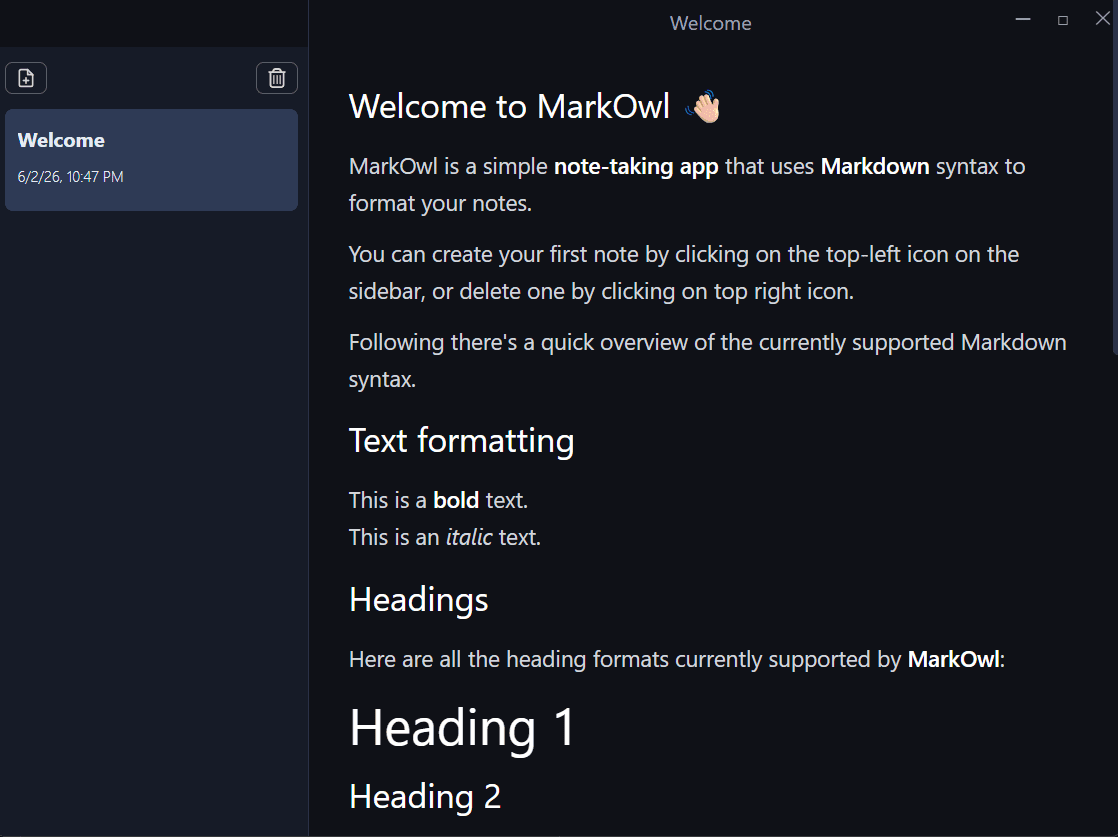
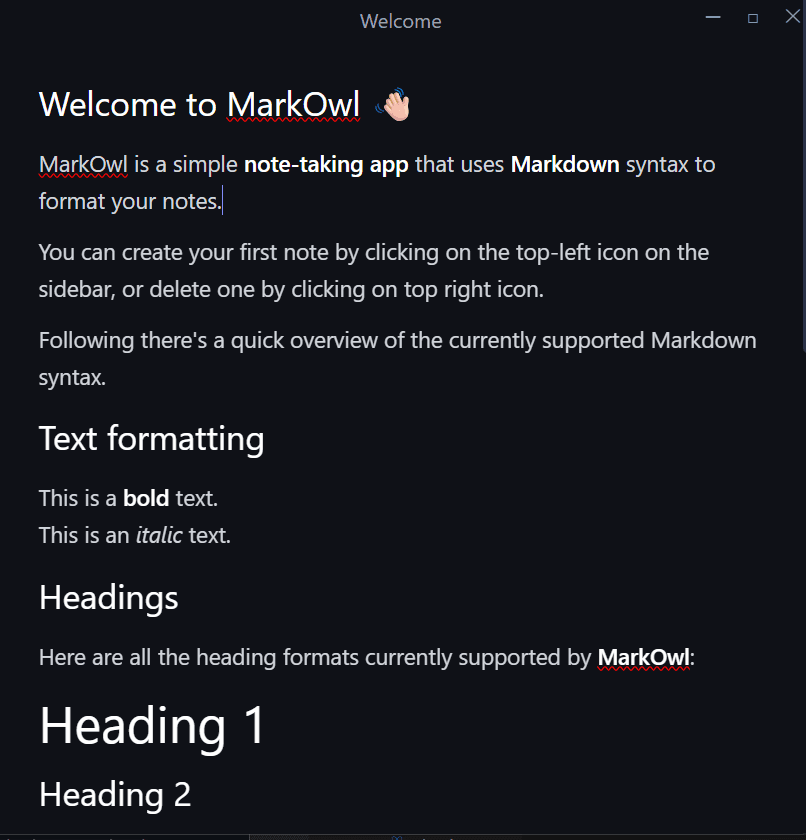
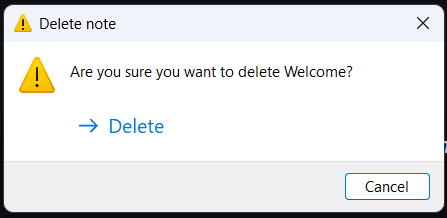
Key Metrics
Local Markdown Files
Windows · macOS
Electron Multi-Process Architecture
3 Seconds
Overview
Markowl is a desktop note-taking application focused on local-first data ownership. Notes are stored as plain Markdown files on the user's filesystem, providing complete offline functionality, portability, and compatibility with version control systems and external editors. :contentReference[oaicite:0]{index=0}
Problem
Many note-taking applications rely on proprietary storage formats, cloud infrastructure, or vendor lock-in, limiting user ownership and portability of personal notes and documents.
Solution
Built a local-first desktop application that stores notes as plain Markdown files while providing a modern editing experience, automatic saving, cross-platform support, and a secure Electron architecture with strict process isolation.
Architecture
Electron-based three-layer architecture consisting of Main Process, Preload Process, and Renderer Process. The renderer communicates through typed IPC contracts exposed via contextBridge, while file operations are handled securely in the main process using the local filesystem. State management is handled through Jotai atoms and the editor is powered by MDXEditor. :contentReference[oaicite:1]{index=1}
Challenges
- Implementing type-safe IPC communication across Electron processes.
- Managing asynchronous state with Jotai atoms.
- Designing a secure context-isolated Electron architecture.
- Building custom frameless window controls across operating systems.
- Maintaining shared TypeScript contracts between Node and browser environments.
- Implementing efficient auto-save behavior without excessive disk writes.
Lessons Learned
- Electron multi-process architecture.
- Context isolation and secure IPC communication.
- Atomic state management using Jotai.
- Cross-platform desktop application development.
- File system operations and local data persistence.
- Electron packaging and distribution workflows.
- Type-safe communication between application layers.
- Performance optimization for local desktop applications.
Future Improvements
- Note renaming support.
- Full-text search functionality.
- Folder and tag organization.
- Multiple themes and customization options.
- PDF and HTML export support.
- Cloud synchronization options.
- Command palette for productivity workflows.
- Image attachment support.
- Complete maximize window functionality.