SysLens
A cross-platform desktop system monitoring application that provides real-time visibility into CPU, RAM, and storage utilization through live analytics, interactive charts, and a custom Electron-based desktop experience.
Screenshots
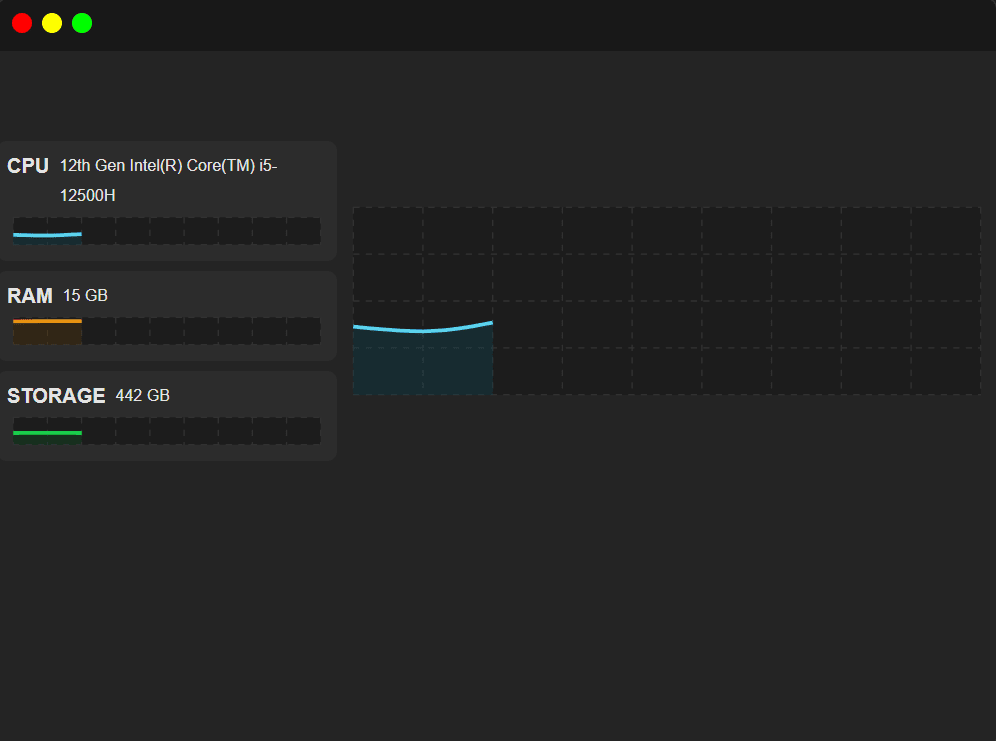
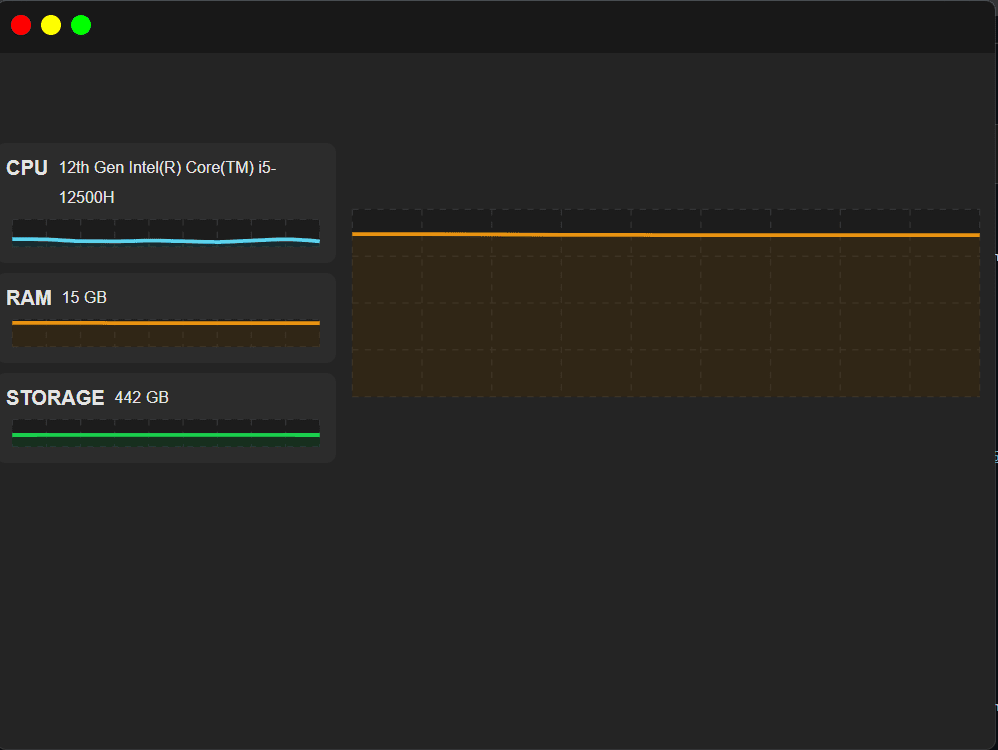
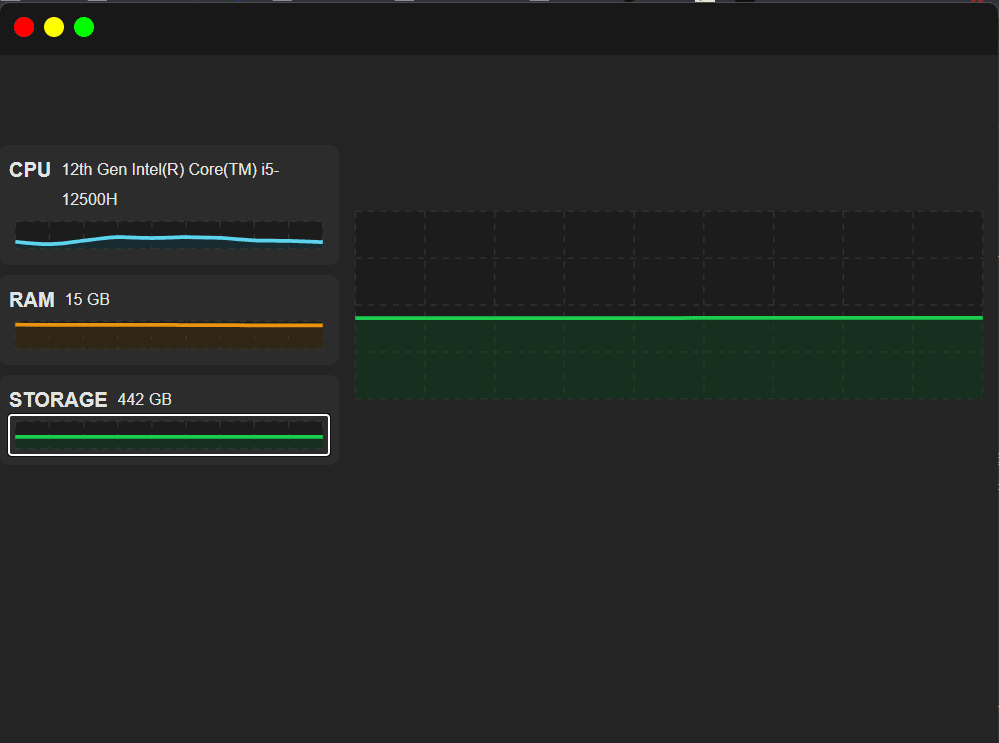
Key Metrics
500ms
CPU Usage · RAM Usage
Windows · macOS
Electron Multi-Process Architecture
Overview
SysLens is a desktop resource monitoring application built to visualize real-time system telemetry including CPU usage, memory consumption, and storage utilization. The application combines Electron, React, and TypeScript to deliver a secure, cross-platform monitoring experience with live charts, system tray integration, and custom window controls. :contentReference[oaicite:0]{index=0}
Problem
Developers and users often need lightweight tools to monitor system resource consumption without relying on complex operating system utilities. Building such a tool also presents challenges related to secure Electron architecture, IPC communication, and real-time data visualization.
Solution
Developed a desktop monitoring application that continuously collects system metrics, securely streams data across Electron process boundaries, and renders live charts through a responsive React interface while maintaining strict context isolation and type-safe IPC communication.
Architecture
Multi-process Electron architecture consisting of Main Process, Preload Process, and Renderer Process. System metrics are collected in the main process, transmitted through validated IPC channels, exposed via contextBridge APIs, and rendered through React components using Recharts for real-time visualization. :contentReference[oaicite:1]{index=1}
Challenges
- Implementing secure IPC communication between Electron processes.
- Maintaining type-safe contracts across main and renderer processes.
- Handling development and production frame validation differences.
- Managing real-time telemetry updates without performance degradation.
- Supporting platform-specific storage detection mechanisms.
- Configuring Electron preload scripts with CommonJS and ESM coexistence.
Lessons Learned
- Electron security best practices.
- ContextBridge and IPC communication patterns.
- Multi-process desktop application architecture.
- Real-time data visualization using Recharts.
- Cross-platform desktop packaging and deployment.
- Type-safe Electron development with TypeScript.
- System resource monitoring using native Node.js APIs.
- Performance optimization for frequently updating interfaces.
Future Improvements
- Per-core CPU monitoring.
- Network I/O monitoring.
- Process-level resource tracking.
- Configurable polling intervals.
- Theme customization and light mode.
- Data export to CSV and JSON.
- Auto-launch on system startup.
- Historical resource analytics.